Rigs And Digger Tile
Instructions:
Use mouse to play this gameDescription
Rigs And Digger Tile: The Road To The Championship
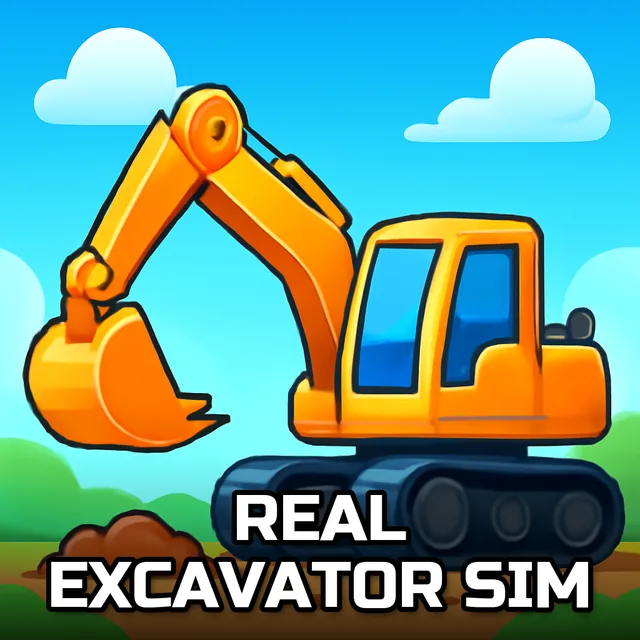
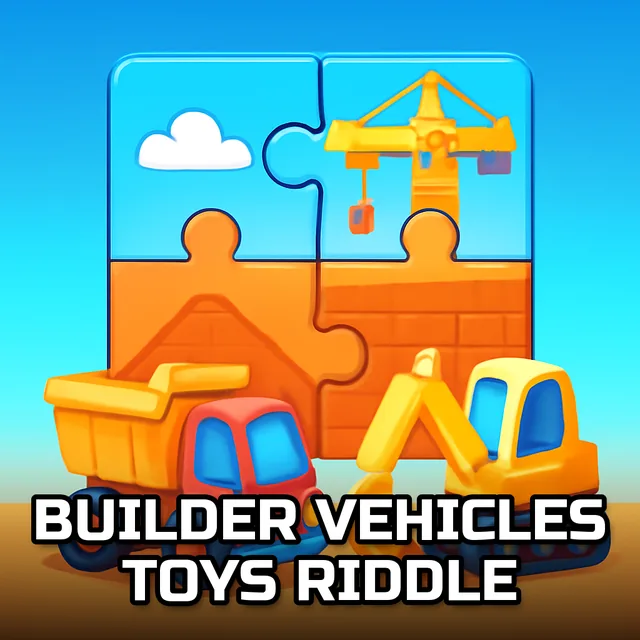
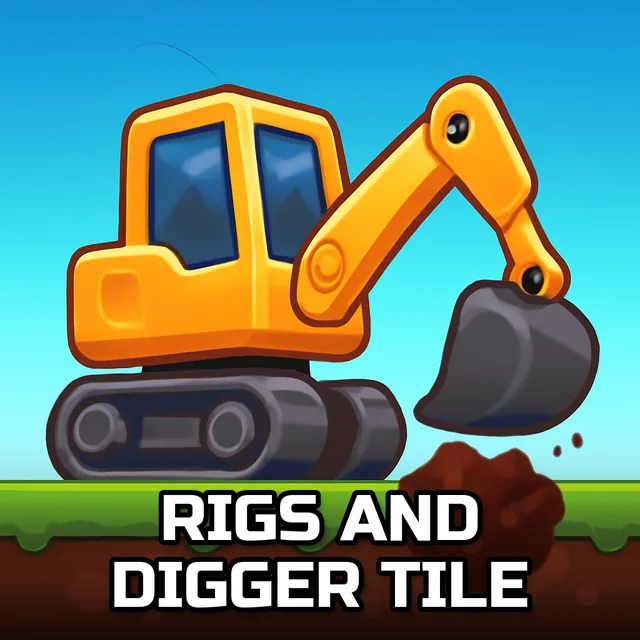
No timers, no bosses yelling at you through a headset, just five sturdy pictures of bulldozers, diggers and trucks waiting to get scrambled and put back together. That's really the whole pitch here, and honestly it works better than it sounds on paper. You pick a machine you like the look of, choose how brutal you want the puzzle to be, and then spend the next few minutes hunting for edge pieces while your brain quietly relaxes. There's something weirdly satisfying about watching a pixelated excavator arm slowly reassemble itself piece by piece, like you're the one operating the crane instead of just clicking a mouse.
Winning Strategies
- Start with the 25-piece mode if you haven't touched a jigsaw puzzle in a while; it builds confidence fast.
- Sort corner and edge pieces off to the side first, that border does most of the heavy lifting for orientation.
- Study the little thumbnail preview before you scatter anything, since knowing where the digger's bucket sits saves a ton of guesswork later.
- Work outward from any patch with strong color contrast, like a yellow cab against gray pavement, rather than starting in the middle of a flat sky.
- Jump to 100 pieces only once you've cleared a round or two on easier settings, the jump in difficulty is bigger than it looks.
- Take breaks between images; five separate pictures means five fresh puzzles, so there's no shame in walking away and coming back later.
Controller & Keyboard Guide
- Everything runs through the mouse, no keyboard shortcuts needed here.
- Click and hold a piece to drag it, then release once it's near its matching spot.
- Use the cursor to rotate or reposition pieces as you test different arrangements.
- Select your image and piece count from the menu with a simple left-click before starting a round.